Bluesky PMS Review: Complete Property Management Software Guide 2026
Bluesky PMS Review: Complete Property Management Software Guide 2026
Look, I’ve reviewed dozens of property management systems over the years, and here’s what I’ve learned — most of them promise the moon and deliver a flashlight. So when Bluesky PMS started showing up on my radar, I was skeptical. But after digging into what it actually offers (and doesn’t offer), I’ve got some thoughts worth sharing.
Property management software isn’t just a nice-to-have anymore. It’s become the backbone of how real estate professionals operate. And choosing the wrong one? That can cost you months of productivity and thousands in revenue.
Let’s break down what Bluesky PMS brings to the table.
What Actually Is Bluesky PMS?
Before we dive deep, you need to understand what you’re looking at. Bluesky PMS positions itself as a comprehensive property management solution designed for real estate professionals who need more than just a digital filing cabinet. We’re talking about a system that handles everything from property listings to client communications to transaction tracking.
But here’s the thing — “comprehensive” can mean different things to different people. So I’m going to walk you through exactly what this system does well, where it falls short, and who should actually consider using it.
Core Features & Capabilities: The Good Stuff
The property search functionality is honestly pretty impressive. I’ve seen systems where finding a specific property feels like archaeology, but Bluesky’s advanced filtering actually works the way your brain works. You can drill down by location, price range, property type, and a bunch of other criteria without wanting to throw your laptop out the window.
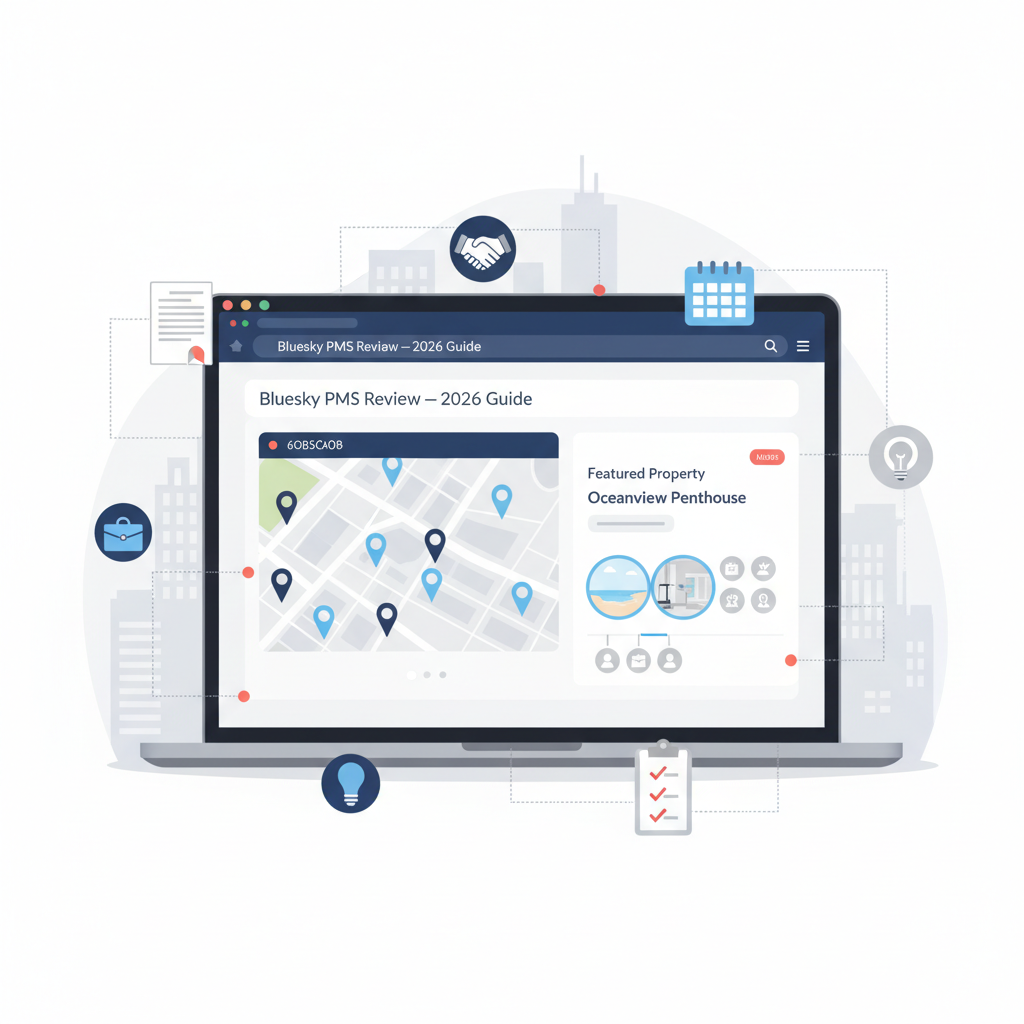
The map-based search deserves special mention. Instead of scrolling through endless lists, you can visually explore properties on an interactive map. It’s one of those features that seems obvious once you use it — why doesn’t every system work this way?
Portfolio management is where things get interesting. If you’re managing multiple properties (and let’s be honest, that’s the whole point), you need a bird’s-eye view of everything. Bluesky gives you that dashboard perspective while still letting you zoom into individual property details when needed.
The media gallery management is solid. You can upload property images, organize them logically, and present them in a way that actually makes properties look appealing. I’ve used systems where photo management felt like punishment — this isn’t one of them.
Property Listing Tools That Don’t Suck
Creating and managing property listings should be straightforward. Bluesky gets this mostly right. You can input all the standard details — square footage, amenities, rental rates, availability dates — without navigating through seventeen different screens.
But (and there’s always a but) the customization options aren’t as robust as some competitors. If you need highly specialized fields or unique data points for your market, you might find yourself working around the system rather than with it.
Agent & Client Management: Where Relationships Happen
Here’s what I’ve noticed after years in this industry — the best property management software isn’t about properties. It’s about people. And Bluesky seems to understand this, at least partially.
The agent and broker profile management system gives you a centralized place to track your team. Who’s working which properties? What’s their commission structure? Who needs access to what? These questions get answered without playing email tag or digging through spreadsheets.
Lead capture is built right into the platform. When someone inquires about a property, that information flows directly into your system. No more copying and pasting from email to CRM to calendar. It’s all connected.
The Communication Challenge
Look, I need to be straight with you about something. The client communication tools exist, and they work, but they’re not going to blow your mind. You can send messages, track conversations, and manage follow-ups. It gets the job done.
What’s missing? The kind of sophisticated automation that makes you feel like you’ve hired a virtual assistant. If you’re expecting AI-powered response suggestions or advanced email sequences, you’ll be disappointed. This is functional communication management, not cutting-edge martech.
The follow-up management capabilities help you stay on top of prospects without letting anyone fall through the cracks. You can set reminders, track interaction history, and see at a glance who needs attention. In my experience, this alone prevents enough lost deals to justify the software cost.
Rental & Sales Workflow: Getting Deals Done
Workflows either make your life easier or drive you crazy. There’s really no middle ground. Bluesky’s approach to rental management is pretty methodical — you can track applications, screen tenants, manage lease agreements, and handle renewals all within the same system.
The sales workflow automation covers the basics. You can move properties through different stages (listed, under contract, closed), assign tasks to team members, and track important dates. It’s not revolutionary, but it’s reliable.
Document management deserves its own paragraph because honestly, this is where a lot of systems fall apart. Bluesky lets you store contracts, disclosures, inspection reports, and all the other paperwork that comes with real estate transactions. The search functionality means you can actually find documents later, which sounds basic but you’d be surprised how many systems fail at this.
Transaction Tracking Reality Check
Transaction tracking works well for straightforward deals. You can see where money’s coming from, where it’s going, and what’s still outstanding. For complex transactions with multiple parties and contingencies? It gets a bit clunky.
I’ve found that most teams end up creating their own workarounds for complicated deals. That’s not necessarily a dealbreaker — it just means you should know what you’re getting into.
User Experience & Interface: The Daily Reality
You know what nobody talks about enough? How software actually feels to use every single day. Features lists look great in sales presentations, but if the interface makes you want to scream, those features don’t matter.
Bluesky’s interface is clean without being sterile. The learning curve exists — any powerful system has one — but it’s not vertical. I’d estimate most users feel comfortable with basic functions within a week or two. Advanced features take longer, obviously.
Platform accessibility is web-based, which means you can access it from any device with a browser. No installing software on every computer. No compatibility nightmares. Just log in and go.
Mobile Experience: The Honest Truth
The mobile compatibility is… fine. You can access the platform from your phone or tablet, and it works. But it’s clearly designed for desktop use first, mobile second. If you’re someone who does 80% of your work from a phone, you’ll probably find it frustrating.
For checking property details, responding to quick inquiries, or looking up client information while you’re out showing properties? It handles that just fine.
Integration capabilities are where things get interesting. Bluesky plays reasonably well with other software, but you’re not getting the seamless ecosystem you might find with bigger players. Expect some manual data transfer for certain tasks.
Pricing & Value Proposition: What You’re Actually Paying For
Here’s where I wish I had more specific numbers to share with you. Bluesky’s pricing isn’t published on their website (which, honestly, drives me crazy about a lot of B2B software). You need to contact them for a quote.
What I can tell you is that pricing typically varies based on the number of users, properties managed, and which features you need access to. It’s not a one-size-fits-all situation.
From conversations with users, the pricing seems to fall in the mid-range category. You’re not paying enterprise-level costs, but you’re also not getting a budget solution. Think of it as the Honda Accord of property management software — reliable, functional, reasonably priced.
ROI Considerations That Actually Matter
Let’s talk return on investment, because that’s what really matters. If you’re currently managing properties with spreadsheets and email, pretty much any PMS will save you time and reduce errors. The question is whether Bluesky specifically offers enough value for your situation.
Time savings come from automation and centralization. Instead of checking five different places for information, it’s all in one system. Instead of manually following up with every lead, the system reminds you. These little efficiencies add up.
Error reduction is huge. When you’re copying data between systems, mistakes happen. Bluesky reduces (though doesn’t eliminate) those opportunities for human error. In real estate, one mistake can cost thousands of dollars.
How It Stacks Up Against Competitors
The elephant in the room is Procore. If you’re comparing Bluesky PMS to Procore, understand that they’re not exactly apples-to-apples. Procore is more construction-focused with property management features, while Bluesky is built primarily for property management and real estate operations.
Procore offers more robust project management tools, which makes sense given their construction industry roots. If you’re developing properties or managing major renovations, that might matter to you. But for pure property management and leasing operations, Bluesky’s focused approach has advantages.
The user interface in Bluesky is generally considered more intuitive for real estate professionals who aren’t construction managers. There’s less of a learning curve because the system speaks your language.
Who Should Actually Use Bluesky PMS?
Not every tool is right for every business. I’ve seen too many companies buy software because it’s popular, not because it fits their needs. So let’s get specific about who benefits most from Bluesky.
Small to mid-sized property management companies are the sweet spot. If you’re managing between 50 and 500 properties, this system probably scales well for your needs. Below that, you might be paying for features you don’t use. Above that, you might outgrow certain capabilities.
Real estate agencies that handle both sales and rentals will appreciate the dual functionality. You’re not cobbling together separate systems for different parts of your business.
Teams that value straightforward functionality over bleeding-edge features will feel right at home. If you want something that works reliably without constant updates and feature changes, that’s Bluesky’s philosophy.
Who Should Look Elsewhere?
Large enterprise operations with complex workflows might find limitations. When you’re managing thousands of properties across multiple markets with intricate reporting requirements, you probably need something more robust.
Tech-forward companies that want extensive API access and custom integrations should know that Bluesky’s integration ecosystem isn’t as developed as some alternatives. It’s not a closed system, but it’s not an open platform either.
If mobile-first operation is critical to your business model, you’ll be frustrated. The mobile experience works, but it’s not optimized for doing everything from your phone.
The Technical Stuff You Should Know
System requirements are minimal since it’s web-based. You need a modern browser (Chrome, Firefox, Safari, Edge) and a stable internet connection. That’s basically it.
Data security is handled through standard encryption protocols. Your information is stored on cloud servers with regular backups. It’s not Fort Knox, but it’s industry-standard protection.
Customer support is available through email and phone during business hours. Response times are generally reasonable — not instant, but not glacial either. There’s also a knowledge base for self-service help.
Real Talk: The Limitations
Every system has weaknesses, and I’d be doing you a disservice by pretending Bluesky is perfect. The customization options are limited compared to some competitors. If your business has unique processes that don’t fit standard workflows, you’ll spend time working around those limitations.
The reporting capabilities are functional but not sophisticated. You can generate basic reports on occupancy, revenue, and property performance. Advanced analytics and custom reporting? Not so much.
Integration with accounting software exists but isn’t seamless. You’ll likely need to do some manual reconciliation, which defeats part of the automation purpose.
Making Your Decision
So should you choose Bluesky PMS? It depends (I know, I know — but it really does).
If you’re a growing property management company that needs reliable, straightforward software without enterprise complexity or enterprise pricing, Bluesky deserves serious consideration. It won’t dazzle you with fancy features, but it’ll handle your daily operations without drama.
If you’re currently drowning in spreadsheets and email chains, almost any PMS will improve your life — and Bluesky is a solid choice that won’t overwhelm you during the transition.
But if you need cutting-edge technology, extensive customization, or you’re operating at enterprise scale, you should probably keep shopping.
The best move? Request a demo. See how it actually works with your specific properties and workflows. Ask hard questions about the limitations I’ve mentioned. See if they have answers that work for your situation.
Frequently Asked Questions
What features are included in Bluesky PMS?
Bluesky PMS includes property search and filtering, portfolio management tools, map-based location search, media gallery management, agent and broker profiles, lead capture and inquiry handling, client communication tools, rental management processes, sales workflow automation, document management, and transaction tracking. The specific features available depend on your pricing tier.
How does Bluesky PMS compare to competitors like Procore?
Bluesky PMS and Procore serve different primary markets. Procore focuses more on construction project management with property management features, while Bluesky is built specifically for real estate and property management operations. Bluesky typically offers a more intuitive interface for property managers, while Procore provides stronger construction and project management tools. Your choice should depend on whether you need construction management capabilities or pure property management functionality.
Is Bluesky PMS suitable for both small and large property portfolios?
Bluesky PMS works best for small to mid-sized portfolios, roughly 50-500 properties. Smaller operations might find they’re paying for unused features, while very large enterprises might outgrow certain capabilities. The system scales reasonably well within that range, but it’s not designed for massive enterprise operations managing thousands of properties across multiple markets.
What technical requirements are needed to run Bluesky PMS?
Since Bluesky PMS is web-based, technical requirements are minimal. You need a modern web browser (Chrome, Firefox, Safari, or Edge), a stable internet connection, and that’s essentially it. No special software installation is required, and it works across different operating systems. Mobile access is available through browsers on smartphones and tablets, though the experience is optimized for desktop use.
Ready to take your property management operations to the next level? Contact our experts for personalized guidance on choosing the right PMS for your business.