How to Automate Customer Support for Enhanced Efficiency (Without Losing the Human Touch)
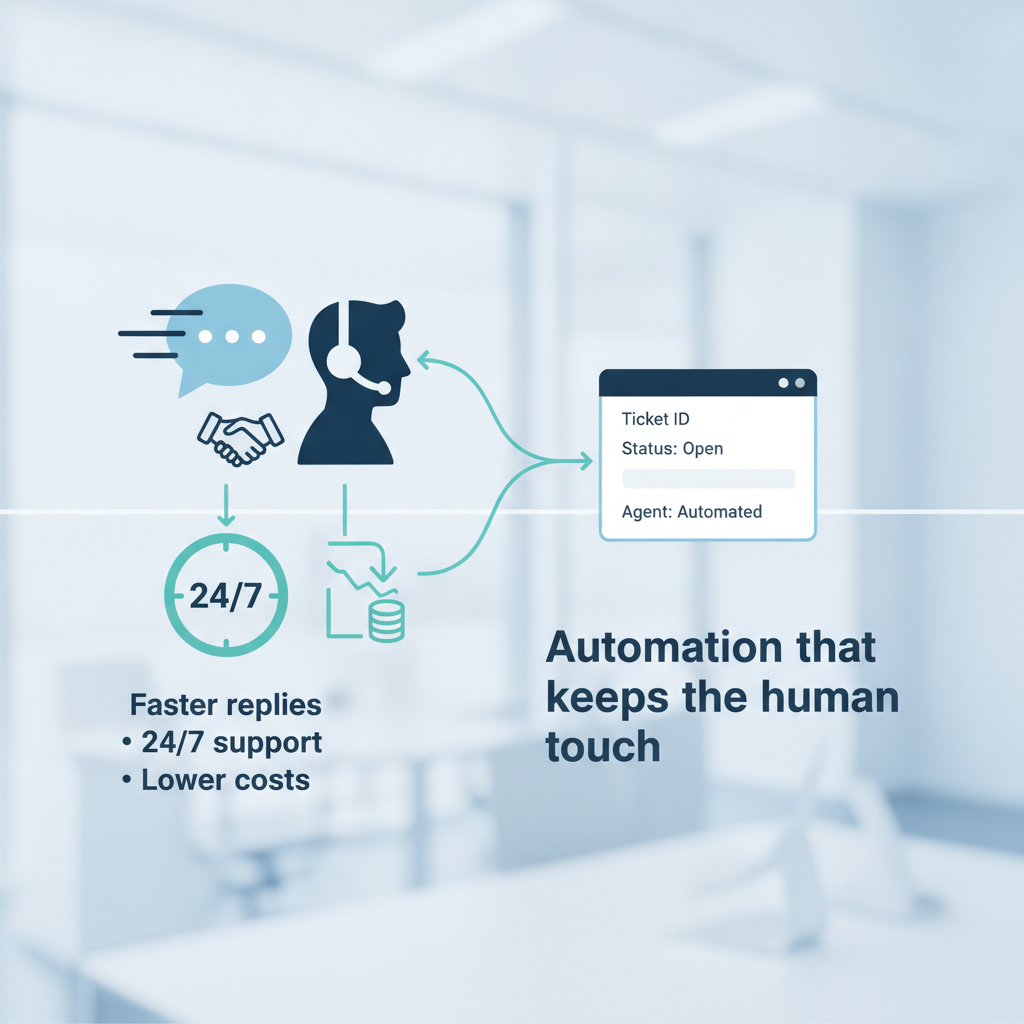
How to Automate Customer Support for Enhanced Efficiency (Without Losing the Human Touch)
Estimated reading time: 12 minutes
Key Takeaways
- Automation supports scale and consistency by handling routine requests so humans can focus on complex problems. It isn’t about replacing people.
- Real-time, 24/7 availability improves customer satisfaction and reduces wait times. Read more about AI agents and how they compare.
- Choose the right tools and plan strategically to avoid overwhelming your team. Start small and measure results.
Table of contents
Introduction paragraph with emphasis and bold text.
Understanding Customer Support Automation
So what exactly does it mean to automate customer support, and how has technology transformed the way companies help their customers?
At its core, customer support automation uses AI, machine learning, rule-based workflows, and specialized helpdesk software to streamline or completely automate support tasks. We’re talking about answering FAQs, routing tickets to the right department, sending follow-up emails, collecting feedback—all the repetitive stuff that eats up your team’s day.
The technology stack behind modern customer service automation is actually pretty fascinating. Let’s break down the key players:
Chatbots and virtual agents are probably what you think of first. These AI-powered assistants provide instant, 24/7 answers to customer questions. They’ve come a long way from those frustrating “press 1 for sales” systems. Today’s chatbots use natural language processing to understand what customers actually mean, not just what they literally say.
Read more about the top AI agents and how they compare
Automated ticketing systems are the command center of support operations. They automatically categorize incoming requests, prioritize them based on urgency, and route them to the agent best equipped to handle them. No more tickets falling through the cracks or sitting in the wrong queue for hours.
Read more about planning and implementing your first automation project
Self-service portals like knowledge bases and FAQ sections let customers solve their own problems. And before you think that sounds impersonal—many customers actually prefer this. They’d rather find an answer in 30 seconds than wait on hold for 10 minutes to ask a simple question.
Read more about affordable tools and approaches for building self-service and automation affordably
IVR (interactive voice response) systems handle phone support automation. When done well, they quickly route callers to the right resource or provide information without requiring an agent at all.
Think of automation like a skilled receptionist at a busy office. She quickly triages everyone who walks in, directs them to the right specialist, and handles simple requests herself—freeing the specialists to focus on what only they can do. That’s exactly what automation does for your support team.
The contrast with traditional customer service models is stark. Ten years ago, every single customer interaction required a human to pick up the phone or respond to an email. If you got a hundred tickets, you needed enough staff to handle a hundred tickets. The math was brutal and linear.
Today’s hybrid approach is smarter. Automation handles the high-volume, repetitive tasks—password resets, order status checks, basic troubleshooting—while human agents focus on complex technical issues, emotionally charged situations, and strategic customer relationships. It’s the best of both worlds.
Understanding these tools and how they work together prepares you to deploy automation strategically. And that brings us to the big question: why should you bother?
}