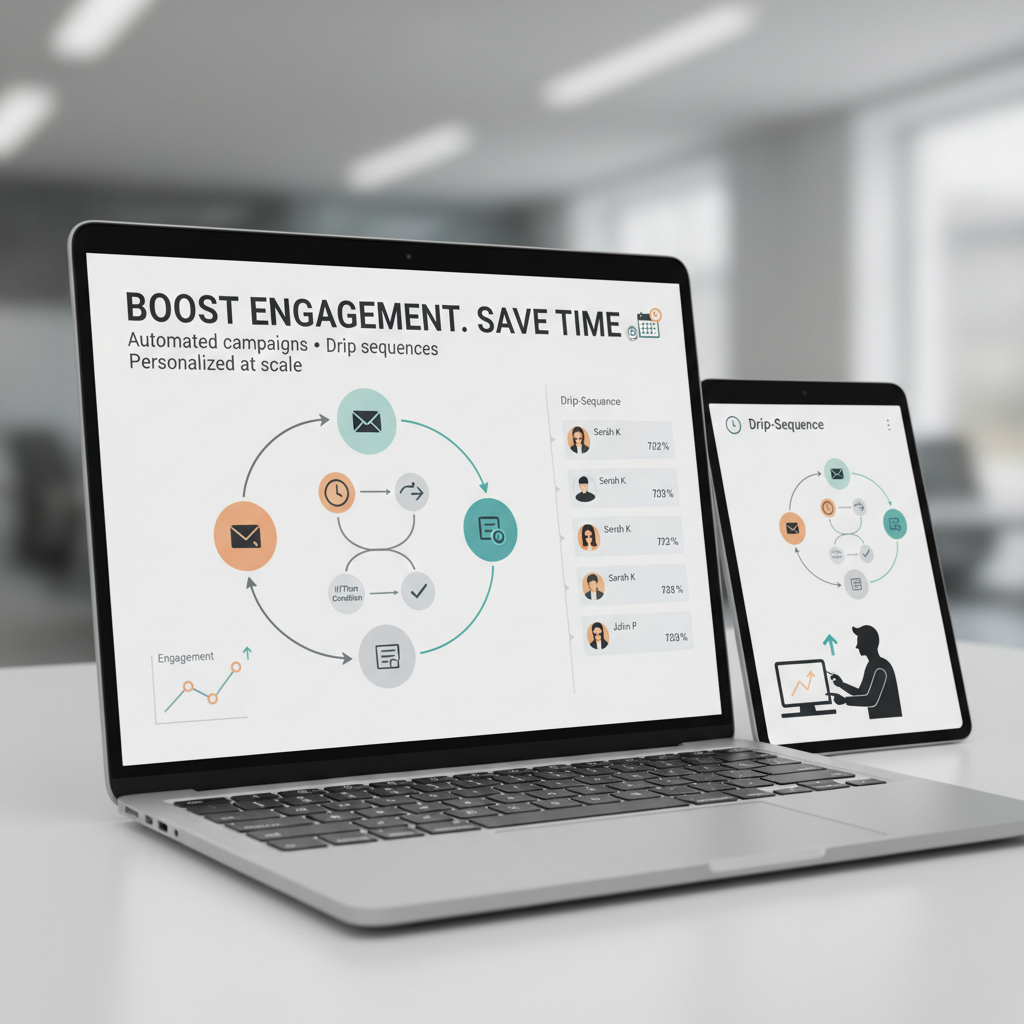
Email Marketing Automation for Small Business: Boost Engagement and Save Time with Smart Automation
Estimated reading time: 6 minutes
Key Takeaways
- Automation saves time by handling routine follow-ups and personalization at scale
- Personalization at the right moment improves engagement
- ROI considerations— automation often delivers strong returns; see the Introduction to Business Automation
Table of contents
Ever tried personally emailing every single customer with offers, reminders, and follow-ups? If you’re running a small business, that would probably eat up your entire day – and then some. Yet staying in touch with customers is crucial for growth. That’s where email marketing automation comes in, and it’s becoming a game-changer for small businesses like yours.
Think of email marketing automation as your tireless digital marketing assistant, sending the right messages to the right people at exactly the right time. It’s not about blasting random emails to your whole list – it’s about creating smart workflows that respond to customer actions, whether they’ve just signed up, made a purchase, or haven’t engaged in a while.
For small businesses juggling limited resources (and let’s be honest, who isn’t?), automation is becoming less of a luxury and more of a necessity. The numbers tell the story: email marketing consistently delivers one of the highest ROIs in digital marketing, returning $36-$45 for every dollar spent. Pretty impressive, right? If you’re new to automation and want a broader view, see Introduction to Business Automation.
What Exactly Is Email Marketing Automation?
Imagine having a smart assistant who knows exactly when and what to communicate with your customers. That’s essentially what email marketing automation does. Instead of manually scheduling every email, you set up workflows once, and they run consistently in the background, triggered by specific customer actions or time-based rules.
Let’s break it down with a simple example. Traditional email marketing might involve sending a monthly newsletter to everyone on your list on the first of each month. Automation, on the other hand, sends personalized emails based on what your customers do. When someone signs up for your newsletter, they automatically get a welcome email. If they buy something, they get an order confirmation and maybe a follow-up asking for a review a week later. For a broader view of automation basics, see Workflow Automation Basics, and No-Code/Low-Code Automation Tools for building these flows without heavy coding.
Why Small Businesses Should Jump on Board
Ever felt overwhelmed trying to keep up with all your marketing tasks while running your business? You’re not alone. Small businesses face unique challenges – limited staff, tight budgets, and the constant juggle of wearing multiple hats.
Here’s where automation becomes your secret weapon. Instead of spending hours each week on repetitive email tasks, you can set up systems that:
- Handle routine follow-ups automatically
- Send personalized messages based on customer behavior
- Track results without you having to crunch numbers manually
Think of it as having a virtual marketing team member who works 24/7 without taking breaks or asking for a raise. Nice, right? For a practical overview of automating small business processes, see Common Processes to Automate in Small Businesses. For broader automation tools and comparisons, check No-Code/Low-Code Automation Tools and Email & Marketing Automation Tools.
Types of Automated Email Campaigns That Actually Work
“But what kinds of automated emails will actually help my business grow?” I hear you ask. Let’s look at some proven campaigns that work particularly well for small businesses:
Welcome Series
Imagine a local yoga studio automatically sending new subscribers a warm welcome email, followed by a first-class discount and their class schedule. It makes new members feel valued and encourages that crucial first visit. For more context on automating such journeys, see Common Processes to Automate in Small Businesses.
Onboarding Sequences
Perfect for service businesses or software companies. Guide new customers through your product or service with helpful tutorials and tips, reducing support queries and increasing satisfaction. For a deeper dive into onboarding workflows, see Workflow Automation Basics.
Transaction Confirmations
Order confirmations, shipping updates, appointment reminders – these might seem basic, but they’re crucial for customer experience and building trust. For more on automation tools and how they integrate with CRM, see CRM and Sales Automation Tools.
Abandoned Cart Recovery
For e-commerce businesses, this is pure gold. Someone leaves items in their cart? An automated reminder (maybe with a small discount) can recover that sale while it’s still warm. Learn more about practical automation tools and platforms in Email & Marketing Automation Tools. If you’re exploring no-code options to implement this quickly, see No-Code/Low-Code Automation Tools and Workflow Automation Basics.
Frequently Asked Questions
What exactly is email marketing automation?
Email marketing automation is the use of workflows and triggers to send timely, relevant messages to customers without manual intervention. It runs in the background once set up.
Which automated campaigns tend to perform best for small businesses?
Welcome series, onboarding sequences, transaction confirmations, and abandoned cart recovery are proven campaigns.