ChatGPT Atlas: OpenAI’s Revolutionary AI-Powered Web Browser Redefines Internet Navigation — What You’ll Learn:
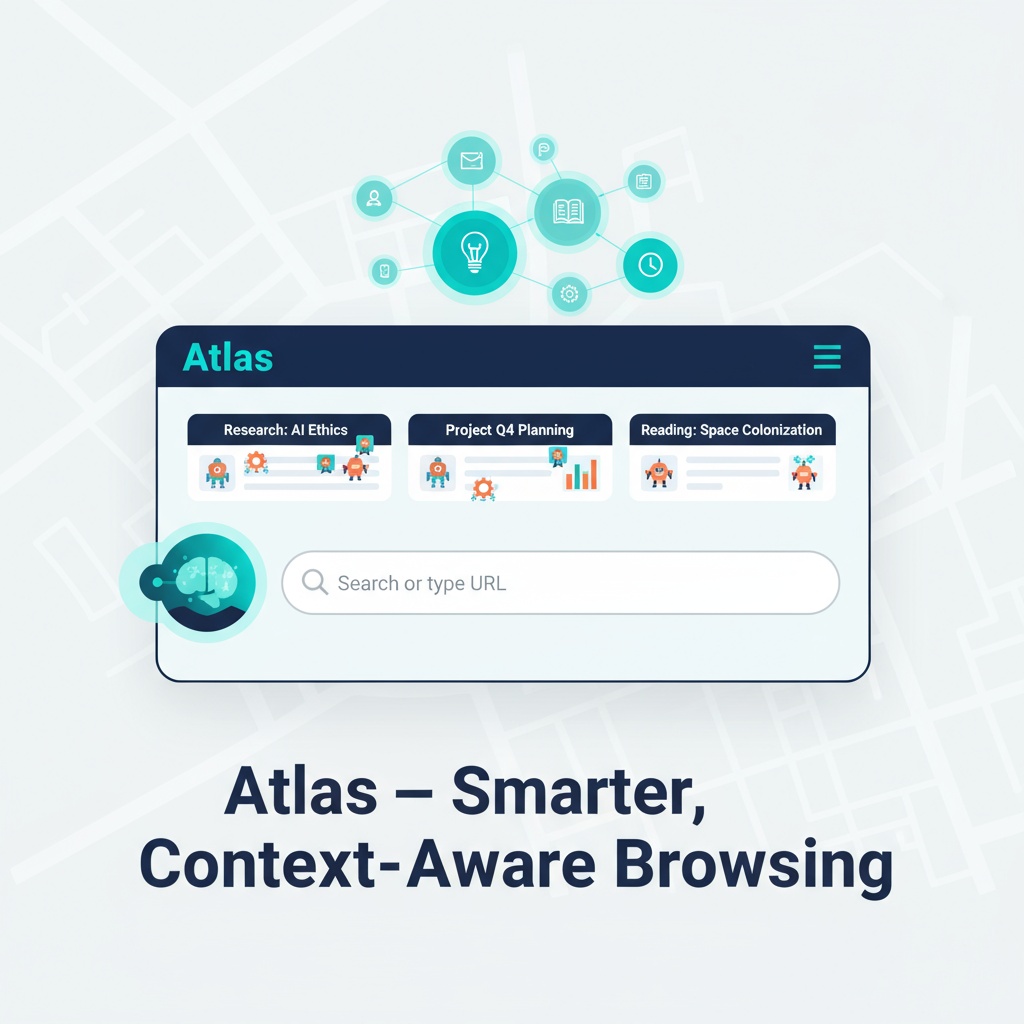
ChatGPT Atlas: OpenAI’s Revolutionary AI-Powered Web Browser Redefines Internet Navigation
Estimated reading time: 12 minutes
Key Takeaways
- Always-Available AI Assistant: Atlas’s persistent ChatGPT sidebar keeps the AI at your side from any page.
- Smart Content Management: Instant summaries and insights for webpages, emails, and code snippets.
- Cursor Chat Technology: Highlight text and prompt Atlas to rewrite, translate, or refine inline.
- Context-Aware Intelligence: Leverages page context, history, and conversations for relevance.
- Advanced Memory System: Remembers activity and conversations with user control over memories.
- Agent Mode: Autonomous, yet requires user approval for critical actions.
Table of contents
- A New Era of Web Browsing
- Core Features That Set Atlas Apart
- Privacy and Security at the Forefront
- Enterprise-Grade Capabilities
- Real-World Applications
- Technical Implementation and Availability
- Industry Impact and Future Implications
- Early User Reception and Limitations
- Conclusion
- Frequently Asked Questions
ChatGPT Atlas marks a significant evolution from traditional AI chatbots, transforming into a comprehensive workspace and browser assistant. Unlike conventional browsers, Atlas doesn’t just help you navigate the web – it understands, acts, and automates complex tasks, making it your intelligent companion in the digital realm.
A New Era of Web Browsing
Atlas represents a fundamental shift in how we interact with the internet, merging chat capabilities, memory systems, and autonomous agents into a seamless browsing experience. Atlas transforms browsing into a proactive, assistant-driven workflow rather than a passive activity.
Core Features That Set Atlas Apart
Always-Available AI Assistant
The browser’s standout feature is its persistent ChatGPT sidebar, accessible from any webpage. Whether you’re reading an article, analyzing data, or trying to understand complex terminology, Atlas is always just a click away. This seamless integration means you never have to leave your current page to engage with the AI assistant.
Smart Content Management
Atlas takes content interaction to the next level with its advanced summarization and analysis capabilities. Need to digest a lengthy report quickly? The browser can instantly summarize webpages, emails, and even code snippets directly within the page or through the sidebar chat. This feature is particularly valuable for professionals and students dealing with large volumes of information.
Revolutionary Cursor Chat Technology
The browser introduces an innovative “Cursor Chat” feature, allowing users to highlight any text and prompt ChatGPT to rewrite, translate, or refine it inline. Imagine polishing an important email draft or translating a foreign language article with just a few clicks – Atlas makes it possible.
Context-Aware Intelligence
What truly sets Atlas apart is its ability to understand and leverage context from your current page, previous conversations, and browsing history. This contextual awareness ensures more relevant and personalized assistance, making interactions more natural and productive.
Advanced Memory System
Atlas’s sophisticated browser memory system remembers your activity, conversations, and visited sites. This enables powerful queries like “Summarize all job postings I checked last week” while maintaining user control over stored memories. You can archive, view, or delete stored information at any time, ensuring privacy and organization.
Agent Mode: Your Autonomous Digital Assistant
Perhaps the most revolutionary feature is Agent Mode, a premium capability that enables Atlas to perform complex, multi-step tasks autonomously. From adding items to shopping carts and completing purchases to booking hotels and compiling research reports, Atlas can handle it all. Importantly, all critical actions require user approval, maintaining security and transparency.
Privacy and Security at the Forefront
OpenAI has prioritized user privacy in Atlas’s design. By default, browsing content is opted out of model training, and an incognito mode allows for temporary logout. The browser includes customizable settings for autofill features, giving users complete control over their data.
Enterprise-Grade Capabilities
For business users, Atlas offers powerful organizational features:
- Knowledge indexing that connects with CRMs and cloud storage
- Robust security controls for managing sensitive data
- Streamlined workflow automation
- Natural language access to company knowledge bases
Real-World Applications
Personal Productivity Enhancement
Students and professionals are finding Atlas invaluable for:
- Research compilation
- Email management
- Project planning
- E-commerce automation
- Schedule organization
Business Process Optimization
Organizations are leveraging Atlas to:
- Streamline repetitive workflows
- Manage digital assets efficiently
- Access company knowledge through natural language queries
- Automate documentation processes
Technical Implementation and Availability
Atlas is currently rolling out across multiple platforms, with desktop versions for Windows and Mac taking priority. Mobile versions are in development. For security reasons, the browser cannot install software or access local file systems, maintaining a strict separation between browser and system operations.
Industry Impact and Future Implications
The launch of ChatGPT Atlas represents more than just a new browser – it’s a paradigm shift in web interaction. By merging browsing, search, and digital assistance into a unified experience, Atlas is positioning itself as a significant challenger to traditional browsers and AI search tools.
Industry experts view this development as a crucial step toward conversational and task-centric computing, potentially revolutionizing how we interact with digital information and execute online tasks.
As the platform continues to evolve, it may well become the new standard for how we interact with the internet, making web browsing more intuitive, efficient, and productive than ever before. Best AI Agents 2025 Guide and OpenAI Agent Kit highlight the growing ecosystem around conversational AI.
Early User Reception and Limitations
Initial reviews have been predominantly positive, praising the seamless integration of chat and task automation within the browsing experience. The ability to “talk to the web” and automate complex workflows has been particularly well-received.
However, some users have noted minor bugs and limitations in the earliest releases, particularly regarding advanced agent tasks. These are expected to be addressed as the platform matures.
Conclusion
ChatGPT Atlas represents a significant leap forward in the evolution of web browsers. By combining conversational AI with everyday browsing and task completion, it offers a glimpse into the future of digital interaction. While there are still some limitations to overcome, Atlas’s comprehensive feature set and focus on user privacy and control make it a compelling option for both individual users and enterprises looking to enhance their digital productivity.
As the platform continues to evolve and mature, it may well become the new standard for how we interact with the internet, making web browsing more intuitive, efficient, and productive than ever before.
Frequently Asked Questions
Is Atlas going to replace human developers?
While Atlas can automate many routine tasks, it currently lacks the creative problem-solving, business understanding, and strategic thinking that senior developers provide. It’s more likely to augment human capabilities rather than replace them entirely.
How much does Atlas cost?
Pricing details vary depending on usage levels and enterprise requirements. Contact OpenAI/OpenAI Atlas for current pricing information and enterprise packages.
What programming languages does Atlas support?
Atlas supports major programming languages including Python, JavaScript, Java, C++, and Go. Support for additional languages is continuously being expanded based on user demand.
Can Atlas work with existing codebases?
Yes, Atlas can analyze and work with existing codebases, though performance varies depending on code quality, documentation, and complexity. It works best with well-structured, documented projects.
Is Atlas suitable for enterprise-level development?
Atlas shows promise for enterprise use, particularly for routine development tasks and maintenance work. However, enterprises should carefully evaluate their specific needs and conduct thorough testing before full implementation.
How does Atlas compare to other AI coding assistants?
Unlike tools like GitHub Copilot or ChatGPT, Atlas claims full autonomy in software development. While other tools assist developers, Atlas aims to function as an independent software engineering team member.
}