Understanding AI Automation Failures: Causes, Mistakes, and Lessons from Failed Automation Projects
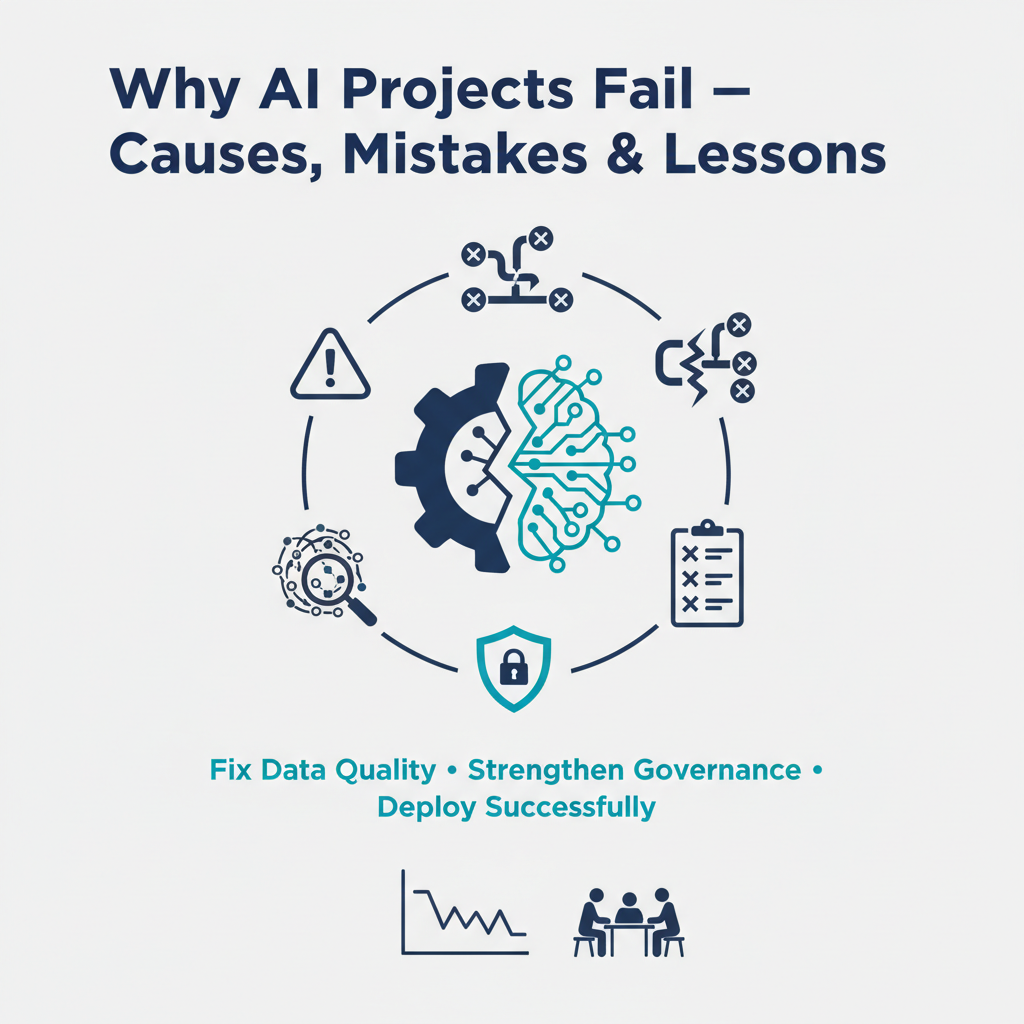
Understanding AI Automation Failures: Causes, Mistakes, and Lessons from Failed Automation Projects
Estimated reading time: 9 minutes
Key Takeaways
- Set clear objectives with measurable goals to guide implementation and measure impact
- Mind data quality and bias because AI is only as good as the data it’s trained on
- Avoid a “Set It and Forget It” mentality and maintain human oversight
- Start small and iterate to learn and scale safely
- Build feedback loops and keep documentation up to date for continuous improvement
Table of contents
Let’s face it – AI automation is transforming how we work, but it’s not all smooth sailing. While we hear plenty about the success stories, many organizations are quietly struggling with automation projects that just aren’t delivering as promised. I’ve spent years helping companies navigate these waters, and I’ve seen firsthand how even well-intentioned projects can go sideways.
Think of AI automation as a powerful but complex tool – like giving a high-performance car to someone who’s just learning to drive. Sure, the potential is incredible, but without proper preparation and understanding, you might end up in a ditch. Today, we’re going to look under the hood of AI automation failures and figure out how to keep your projects on track.
For a broader take on workplace AI, you might also find value in The Future of Work with AI Agents.
What Exactly Is AI Automation?
Before we dive into what goes wrong, let’s get clear on what we’re talking about. AI automation combines artificial intelligence technologies (like machine learning and natural language processing) with automated workflows to handle tasks that traditionally required human intervention. It’s not just about replacing human workers – it’s about augmenting human capabilities and freeing up people for more strategic work.
I like to think of it as having a highly efficient assistant who can:
- Process vast amounts of data in seconds
- Spot patterns humans might miss
- Handle repetitive tasks without getting bored
- Make consistent decisions based on predefined rules
We’re seeing this play out across industries. Manufacturing plants use AI to predict equipment failures before they happen. Healthcare providers automate patient scheduling and records management. Retailers use it for inventory forecasting and personalized recommendations. The possibilities seem endless – and that’s part of the problem.
If you’re just starting out, a practical starting point is How to Plan Your First Automation Project. It can help translate these capabilities into an actionable roadmap.
Why Do AI Automation Projects Fail?
Here’s where things get interesting. Despite all the promise, I’ve noticed three major stumbling blocks that trip up even sophisticated organizations:
- Unclear Objectives
Think about trying to hit a target you can’t see. That’s what happens when companies implement AI automation without specific, measurable goals. I recently worked with a financial services firm that wanted to “automate everything possible” – but without clear KPIs, they couldn’t tell if their efforts were actually improving anything. - Poor Data Quality and Bias
This is a bigger issue than most people realize. AI systems are only as good as the data they’re trained on. One manufacturing client discovered their predictive maintenance system was missing critical failures because their training data only included routine maintenance scenarios – a classic case of bias in the dataset. - The “Set It and Forget It” Mentality
AI isn’t a Ronco Rotisserie – you can’t just set it and forget it. Yet I see companies make this mistake repeatedly, assuming their automated systems will run perfectly forever without human oversight or updates.
To avoid these pitfalls, explore practical strategies and real-world considerations in The Future of Work with AI Agents.
Real-World Examples of Failed Automation
Let me share some illustrative examples I’ve encountered:
- A regional healthcare network implemented an AI-driven patient scheduling system, expecting it to revolutionize their appointment management. Instead, it created chaos because it couldn’t handle complex scheduling scenarios – like patients needing multiple coordinated appointments. The system was technically working as designed, but it lacked the nuanced understanding that human schedulers brought to the task.
- In manufacturing, a large auto parts supplier invested heavily in AI-powered quality control. The system worked beautifully in testing but failed spectacularly in real-world conditions because it couldn’t adapt to slight variations in lighting or product positioning. This led to both false positives (rejecting good parts) and missed defects.
- A retail chain’s inventory management AI system created massive overstock issues during the pandemic because it based predictions solely on historical data without accounting for dramatic market changes. Human managers could see the situation evolving, but the system kept ordering based on pre-pandemic patterns.
If you want a broader look at how failures play out in practice, check out The Future of Work with AI Agents and Automation Use Cases by Industry.
Common Mistakes to Avoid
Based on these experiences, here are the key pitfalls to watch for:
- Rushing Implementation
Take time to plan, test, and gather feedback. One successful client spent six months running their AI system in parallel with existing processes before fully switching over. - Ignoring User Input
Your frontline staff often understand nuances that developers miss. Make them part of the process from day one. - Inadequate Training and Support
People need to understand both how to use the system and when to override it. Provide ongoing training and clear escalation procedures.
To deepen your understanding of practical planning, see How to Plan Your First Automation Project and Common Processes to Automate in Small Businesses.
Learning from Failures
Here’s the good news: every AI automation failure teaches valuable lessons. The most successful organizations I’ve worked with:
- Start small and scale gradually
- Maintain strong human oversight
- Create feedback loops for continuous improvement
- Regularly update their systems with new data
- Keep clear documentation of what works and what doesn’t
If you’re looking for techniques to improve context handling and agent reliability, explore Effective Context Engineering for AI Agents and The Ultimate Guide to Patterns for Building AI Agents.
The Path Forward
AI automation isn’t going anywhere – if anything, it’s becoming more crucial to staying competitive. But success requires a balanced approach that combines technological capability with human insight. Think of it as a partnership rather than a replacement.
If you’re curious about how the latest AI agents are being used in real-world teams, you might want to browse The Best AI Agents of 2025: A Comprehensive Guide to Autonomous Digital Assistants for inspiration and ideas you can adapt to your context.
I’d love to hear about your experiences with AI automation. What challenges have you faced? What strategies have worked for you? Share your stories in the comments below.
Remember: The goal isn’t to avoid failure entirely – that’s unrealistic. The goal is to fail fast, learn quickly, and build systems that get better over time. That’s how we turn today’s failures into tomorrow’s successes.
[Note: This blog post includes insights synthesized from multiple sources in the AI automation field. For specific citations, please refer to the linked sources throughout the text.]
Frequently Asked Questions
What are the main reasons AI automation projects fail?
Unclear objectives, poor data quality and bias, and a “set it and forget it” mentality are the three major stumbling blocks often cited in failed automation efforts.
How can I avoid common mistakes when planning automation projects?
Take time to plan, test in parallel, involve frontline users, and ensure ongoing training and clear escalation procedures. Build feedback loops and document what works.
Where can I learn more about practical planning and real-world use cases?
Explore resources like How to Plan Your First Automation Project, Common Processes to Automate in Small Businesses, and The Best AI Agents of 2025: A Comprehensive Guide to Autonomous Digital Assistants.